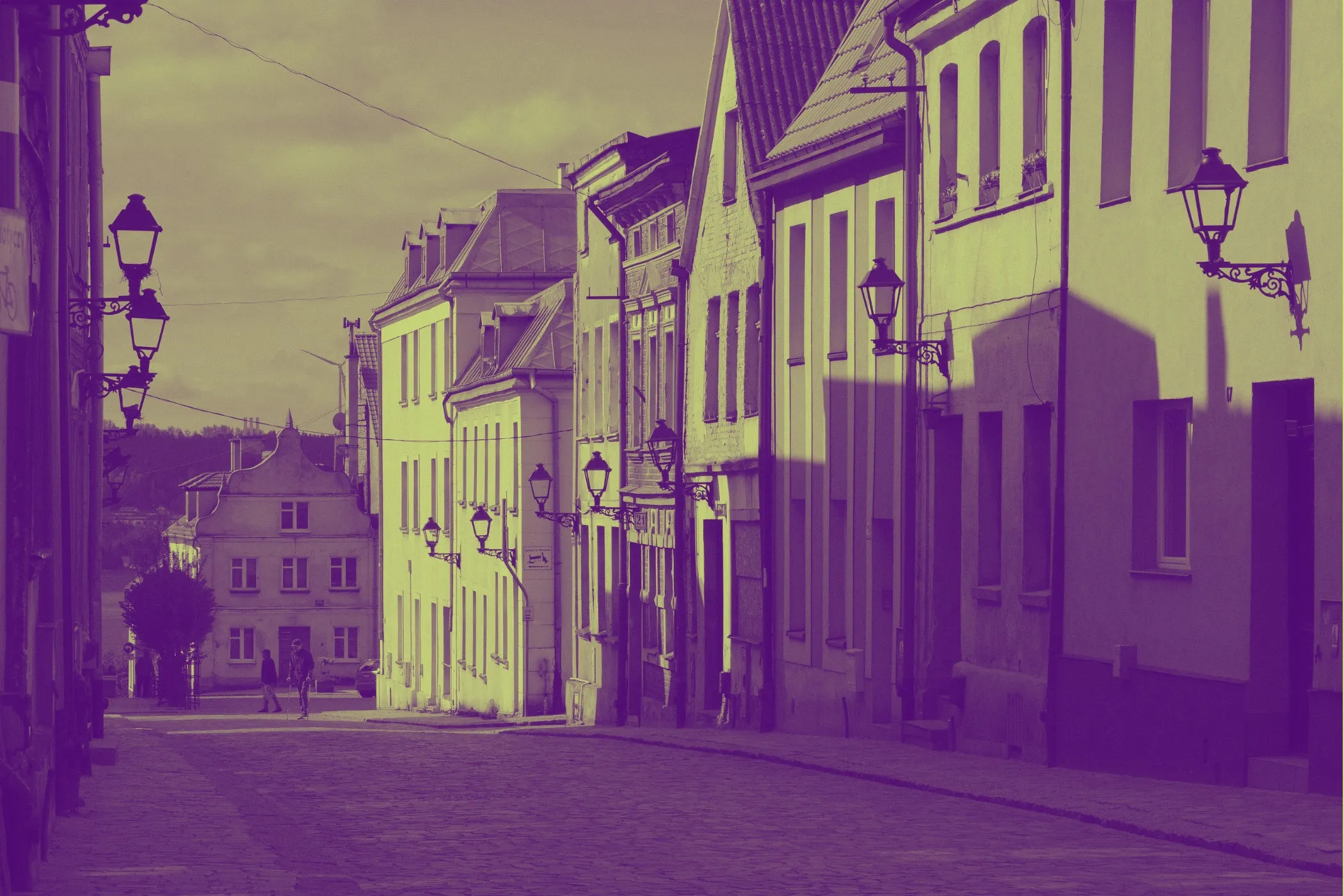
Golden hour palettes that feel warm, radiant, and inviting
Golden hour is one of the most loved lighting moods in design because it makes almost everything feel better: softer skin, warmer spaces, richer materials, and more welcoming visuals. It sits in that sweet spot between sunlight and atmosphere.
A strong golden hour palette can help a project feel:
- sunlit and optimistic
- premium but approachable
- warm without becoming harsh
- cinematic without becoming overly dramatic
This color direction works especially well for:
- Lifestyle and hospitality branding
- Travel and tourism design
- Interior moodboards and home brands
- Photography-led websites and portfolios
- Wellness, skincare, and food presentation
If you want colors that feel more human, soft, and atmospheric than standard bright yellows or oranges, golden hour is a reliable place to start.
What makes a palette feel like golden hour
Golden hour is not just “orange.” It is a temperature and lighting relationship.
The look usually comes from balancing:
- Warm highlights such as honey, amber, apricot, or sunlit gold
- Soft supporting tones such as cream, sand, peach, or warm beige
- A darker anchor such as caramel, terracotta, bronze, cocoa, or dusk-like brown
- Gentle transitions that make the palette feel glowing instead of loud
The best golden hour palettes usually avoid two extremes:
- colors that are so pale they feel washed out
- colors that are so saturated they feel synthetic
Instead, the goal is warmth with structure.
That is what gives the palette its natural glow.
A simple workflow for building a usable golden hour palette
1. Generate until the palette has a believable light range
Click Generate until the colors look like they belong to the same lighting condition.
A good set usually includes:
- one light sunlit tone
- one soft neutral support color
- one main warm accent
- one deeper grounding tone
- one bridge color between light and dark
If every swatch looks like the same orange with tiny changes, keep exploring.
2. Refine the direction instead of restarting
Golden hour color systems often become stronger through small adjustments. Use Refine when the overall mood is right but the palette needs cleaner balance.
This is especially useful when you already like the warmth but want:
- a more usable background color
- a better text anchor
- softer transitions between swatches
- less overlap between the mid tones
3. Compare with Undo / Redo
Warm palettes can shift subtly. Undo and Redo make it easier to compare nearby options and keep the one that feels most natural.
4. Export for design and development
When the palette feels ready, export it as:
- HEX codes for Figma, Canva, Adobe tools, and moodboards
- CSS variables for themes, landing pages, and design systems
Where golden hour palettes work best
Lifestyle and hospitality branding
Warm lighting naturally makes brands feel more welcoming. Golden hour palettes are especially effective for:
- boutique hotels
- villas and rentals
- cafés and restaurants
- wellness brands
- retreats and travel experiences
These colors help communicate comfort, calm, atmosphere, and emotional warmth.
A palette with cream, sand, amber, and a richer brown anchor can instantly feel more premium than a generic beige-and-orange set.
Photography-led websites and creative portfolios
If a brand relies on imagery, golden hour colors pair beautifully with:
- outdoor portraits
- travel photography
- interiors
- food imagery
- wedding and event photography
The palette supports the photos instead of fighting them.
That makes it useful for hero sections, overlays, background panels, captions, and call-to-action blocks.
Interiors, packaging, and product storytelling
Golden hour colors are great for projects that need softness and tactility.
They work well for:
- ceramics and handmade goods
- skincare and beauty packaging
- candle, fragrance, and home décor brands
- furniture moodboards
- menus, cards, and presentation decks
They often feel more emotional and sensory than cooler palettes.
Design tips for making golden hour palettes feel polished
Build around light, not just hue
A strong warm palette is usually defined by lightness progression more than by how many different oranges or yellows it includes.
Try to create clear roles such as:
- a pale sunlit background
- a warm surface tone
- a soft highlight color
- a stronger amber accent
- a deep grounding tone
This gives the palette more range and makes it easier to use across full layouts.
Keep one deeper anchor
Without a darker tone, warm palettes can become blurry.
A deeper anchor helps with:
- headings
- body text
- outlines and icons
- contrast on bright sections
- premium-looking structure
This anchor does not need to be black. A rich brown, cocoa, bronze, or dusk-inspired tone often feels better and keeps the warmth intact.
Let neutrals do part of the work
Not every swatch has to glow.
Some of the most usable golden hour palettes include quiet neutrals such as:
- warm off-white
- oat
- sand
- almond
- light clay
These colors give the warmer accents room to breathe.
Use bright warmth sparingly in UI
Very warm yellows and oranges can be beautiful, but too much of them in buttons, alerts, or long sections can feel aggressive.
Use your strongest warm swatch for:
- calls to action
- highlights
- badges
- accents
- hover or active states
Then let lighter neutrals and deeper browns support the rest of the interface.
Common golden hour palette problems (and how to fix them)
“It feels too orange.”
- Add more warm neutrals and reduce the number of similarly saturated mid tones.
“It looks flat.”
- Increase the difference between the lightest background tone and the deepest anchor tone.
“It feels muddy instead of glowing.”
- Keep one or two cleaner warm accents and avoid stacking too many brownish mid tones together.
“It feels too bright for a premium brand.”
- Shift the palette toward honey, bronze, sand, caramel, and cream instead of pure yellow-orange.
“The text is hard to read on warm backgrounds.”
- Use a stronger dark anchor for text and keep bright amber tones for emphasis rather than body copy.
Accessibility still matters in warm palettes
Warm palettes are welcoming, but they can lose readability if everything sits too close together in value.
Before exporting your colors, check that:
- text is clearly readable on the lightest background
- buttons stand out from nearby surfaces
- borders and inputs are visible enough to define structure
- hover and selected states are noticeable
- important information is not communicated only with slight temperature shifts
A palette can feel beautiful in isolation and still fail in a real interface if contrast is too soft.
A useful way to assign color roles before exporting
Before copying the palette into a project, decide what each swatch is for.
A practical five-color setup could be:
- Color 1: light background
- Color 2: surface or card tone
- Color 3: warm support color
- Color 4: main accent or action color
- Color 5: dark anchor for text and structure
That simple step makes the palette easier to apply consistently across websites, social graphics, presentations, packaging, or brand systems.
Create a warm palette that feels sunlit, not random
If you want colors that feel welcoming, cinematic, and emotionally warm, golden hour is a strong direction. Use Generate to explore fresh sets, Refine to tighten the relationships between swatches, and Undo / Redo to compare versions until the light range feels right.
When the palette is ready, export the HEX codes or CSS variables and use them in your next landing page, moodboard, travel brand, photo-rich website, or hospitality design.