Morse Code Encoder
Encode text into Morse code or decode Morse back into readable text — instantly in your browser. Supports batch conversion and common punctuation, with live results.
Launch Tool
encode Mode
binary
Batch Input
0 Items
0 Output lines
0 Characters
Encode text into Morse code or decode Morse back into readable text — instantly in your browser. Supports batch conversion and common punctuation, with live results.
Convert Unix epoch timestamps to human-readable dates and back — instantly in your browser. Supports seconds or milliseconds, UTC or local time, and batch processing.
Convert numbers to Roman numerals and decode Roman numerals back to numbers instantly. Supports standard Roman notation (I–MMMCMXCIX), batch conversion, and live results.
Encode or decode HTML safely in your browser. Escape special characters or convert HTML entities back to readable text with live output and one-click copy.
Encode or decode Base32 text directly in your browser using RFC-compliant variants. Supports batch processing, strip padding, wrap at 76 characters, and multiple Base32 alphabets — all processed locally.
Encode or decode Base64 text directly in your browser. Convert strings, trim lines, toggle URL-safe mode, or batch process data with live results.
Invalid or malformed input is handled per line so one error won’t stop the entire batch.
Each byte is represented using eight bits.
Example:
Hello → 01001000 01100101 01101100 01101100 01101111Each byte is displayed using base-8 notation.
Example:
Hello → 110 145 154 154 157Each byte is displayed using base-16 notation.
Example:
Hello → 48 65 6c 6c 6fThis tool converts text into its underlying UTF-8 byte representation and displays those bytes as binary, octal, or hexadecimal values. Decoding reverses the process.
No. This tool works with text and bytes, not numeric base math. Each character is encoded as UTF-8 bytes before being converted.
Yes. Enable batch mode to convert one line per row.
You can convert between text and Binary (8-bit), Octal, or Hexadecimal representations.
No. All conversions run locally in your browser.

6 min read
JPEG, PNG, or WebP? Learn which image format to use for speed, quality, and SEO - and how to convert instantly in your browser without uploading a single file.

5 min read
Learn what progressive JPEGs really do, why they make images feel faster, and how to create and audit them directly in your browser - no uploads required.

8 min read
Pasting feels instant, but behind the scenes your browser negotiates formats, permissions, and privacy in milliseconds. Here’s what really happens when you paste text or images into a web page - and why it matters for modern creators.

5 min read
A complete, practical guide to responsive images. From understanding `srcset` and `sizes` to generating all your image versions instantly with the Vayce Image Resizer.
30 min read
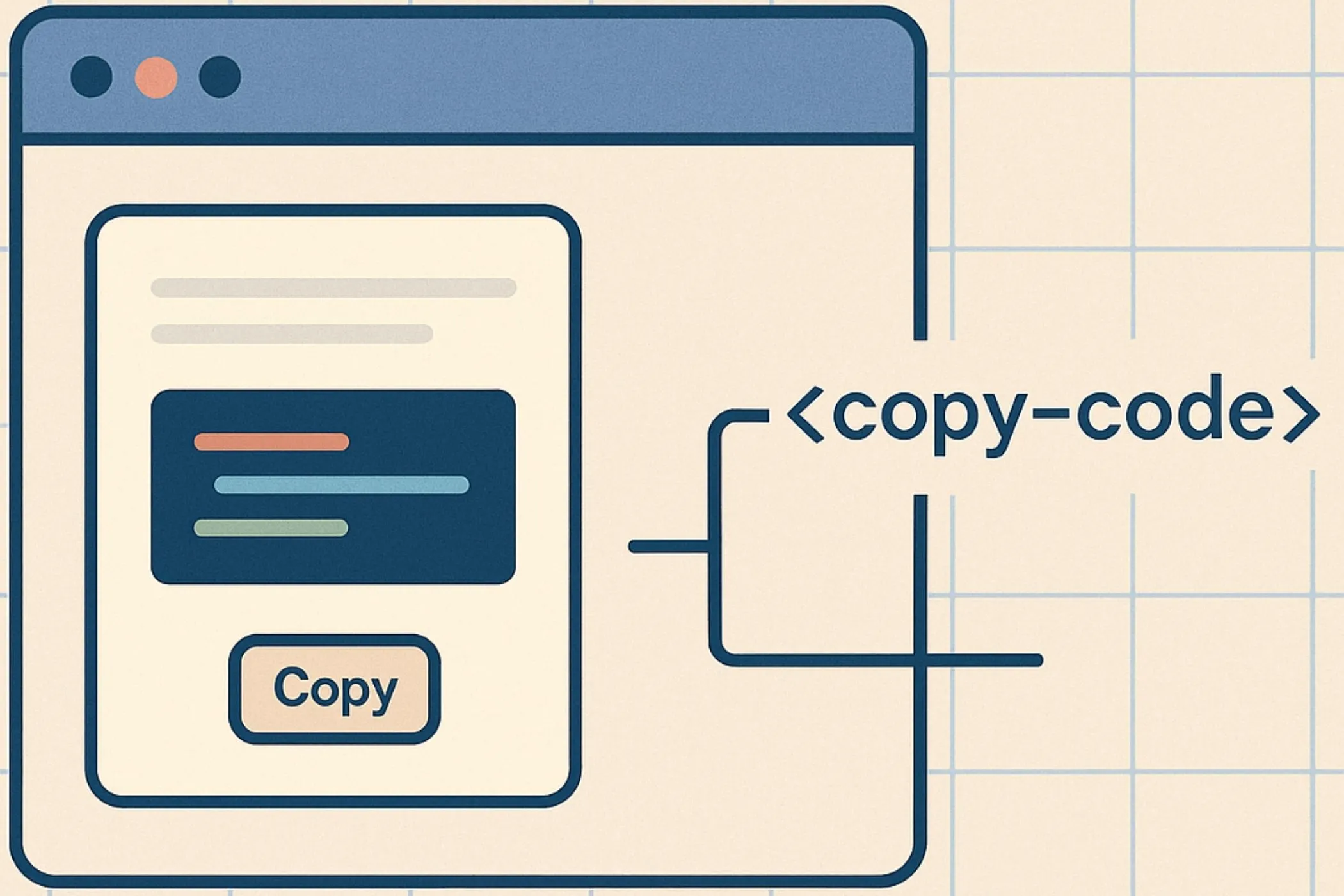
Web Components are the browser’s built-in component model: Custom Elements, Shadow DOM, and slots. They let you define your own HTML tags, encapsulate markup and styles, and build reusable widgets that feel native. This guide walks through how they work, why they exist, and how to build reliable components that drop cleanly into any page.

5 min read
QR codes aren’t just black and white squares - they’re one of the simplest ways to connect the physical and digital worlds. Here’s how they work, why they matter, and how you can create one instantly in your browser.