Invert Image Colors in One Sentence
This tool creates anything from a classic photo negative to subtle “dark-mode” inversions by combining adjustable Strength, Luminance-only inversion, and selective R/G/B channel toggles — all in your browser.
When to Use Color Inversion
Color nversion it’s useful for both creative and practical tasks:
- Photo negative / x-ray style effects
- Dark mode previews for UI screenshots or graphics
- Creative posters & thumbnails (high-contrast, attention-grabbing looks)
- Selective channel experiments (glitch / surreal color shifts)
- Quick checks on line art, shapes, or contrast (inversion can reveal issues)
If you want a controlled negative that still looks “designed,” use Strength (not just full invert), or try Luminance only.
How to Use
1. Add an image
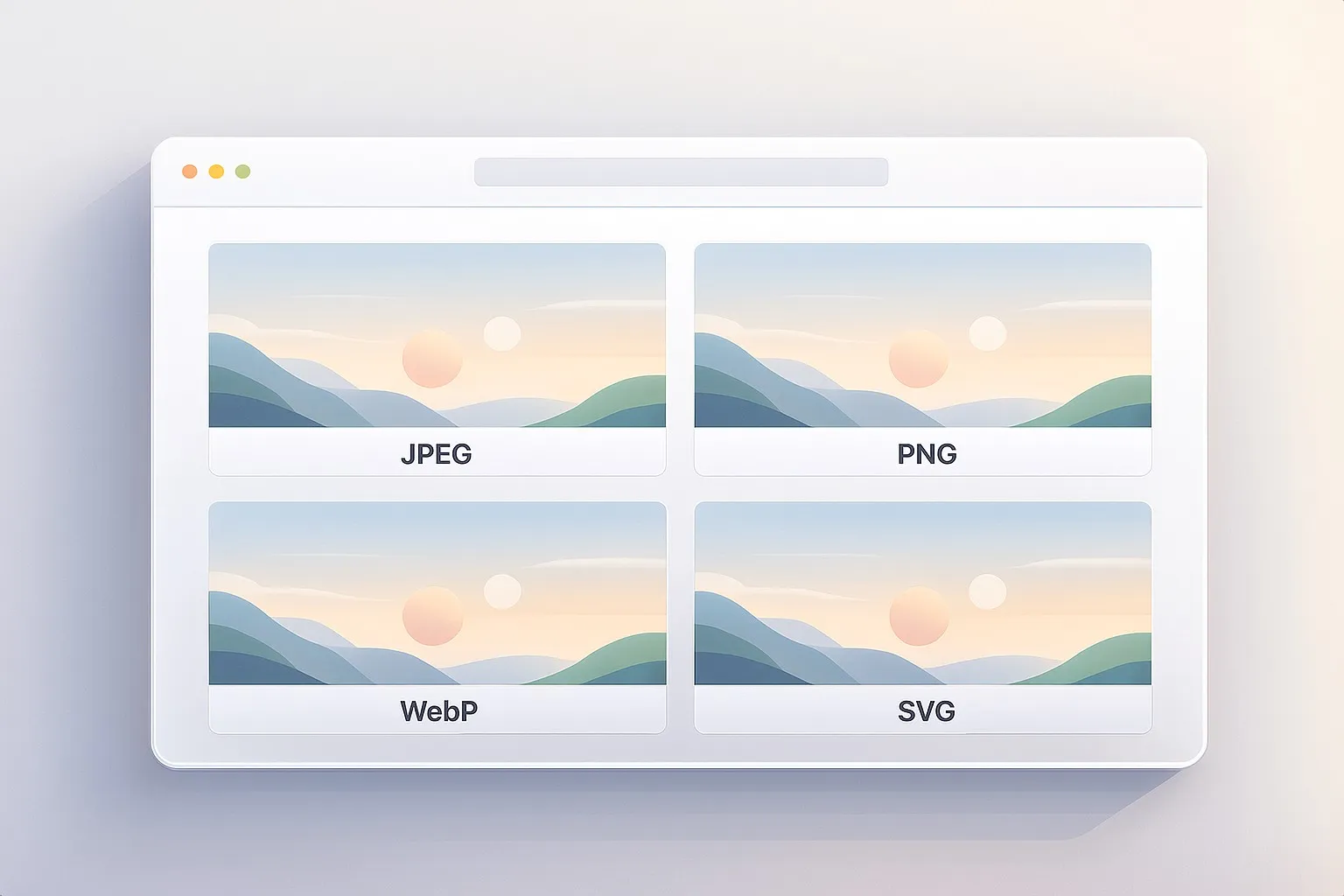
Drag & drop, paste (Ctrl/⌘+V), or click to select a JPEG / PNG / WebP.
2. Choose your inversion style
You have two main paths:
- Luminance only: invert brightness while keeping color family
- Channel inversion: invert Red, Green, and/or Blue channels
3. Set Strength
Strength blends inverted pixels over the original:
- 0% = original
- 30–70% = subtle/usable (often best for “design”)
- 100% = full negative
4. Surprise Me (optional)
Click Surprise me ✨ for a wide variety of inversion modes and strengths. It includes full negatives, luminance-only, and selective channel combos.
5. Download
Export at full resolution. Filenames include the mode and strength, e.g.
photo-invert-luma-s75.jpg
or
image-invert-rgb-rg-s92.png
Controls Explained
Strength (0–100%)
Strength is your realism dial. Full inversion is dramatic, but often too harsh. Blending makes the result more usable.
Common ranges:
- 20–45%: gentle inversion (great for stylized looks)
- 50–80%: strong, but still controllable
- 90–100%: true negative
Luminance only
This option inverts lightness (brightness) rather than inverting each RGB channel directly.
What it’s good for:
- keeping colors from becoming wildly unnatural
- making “negative-like” looks that still feel cohesive
- preserving a sense of the original palette
Tip: Luminance-only at 50–85% Strength often looks surprisingly “premium” compared to raw full-RGB inversion.
Channel toggles (Red / Green / Blue)
With Luminance-only off, you can invert channels individually:
- Invert Red: can push images toward cyan-ish shifts
- Invert Green: often creates magenta-ish shifts
- Invert Blue: can push toward yellow-ish shifts
Why this matters: selective channel inversion can create effects that feel more intentional than a full negative.
Note: If you turn all channels off, nothing changes.
Quick Recipes
Classic negative (photo negative)
- Luminance only: off
- Channels: R + G + B
- Strength: 90–100%
“Designed” negative (less harsh)
- Luminance only: on
- Strength: 60–90%
Subtle dark-mode vibe
- Luminance only: on
- Strength: 25–55%
Glitchy color shift (selective)
Try any of these:
- Channels: R only or B only
- Strength: 45–90%
Or invert two channels:
- Channels: R+G (often dramatic)
- Strength: 60–100%
Almost-no-change surprise (tiny effect)
- Luminance only: on or off
- Strength: 5–20%
Good for “something’s different, but I can’t tell why” styling.
Tips for best results
1. Use Strength like a blend knob
Most “good looking” inversion results are not 100%. If the effect feels too aggressive, reduce Strength before changing the mode.
2. Prefer Luminance-only for photos
Full RGB inversion can make skin tones and natural scenes look chaotic. Luminance-only often keeps the image readable.
3. Use selective channels for intentional design
If full negative feels random, try inverting one channel, then adjust Strength. It’s an easy way to get stylized looks without wrecking the whole palette.
4. Watch highlights and text
Inversion flips light and dark. If you’re inverting a UI screenshot or text-heavy graphic:
- try Strength 30–60%
- check readability on the preview
Common Problems and Fixes
“It looks too harsh.”
- Lower Strength
- Try Luminance only
“Colors look weird / toxic.”
- Use Luminance only
- Or invert only one/two channels instead of all three
“Nothing changed.”
- Strength may be 0%
- Or all channel toggles are off (with Luminance-only off)
How It Works
The tool supports three processing paths:
- Full RGB invert (R+G+B) uses a fast invert filter.
- Selective channel invert flips only the chosen channels (e.g.,
R = 255 - R). - Luminance-only converts pixels to HSL, inverts lightness, then converts back — preserving hue and saturation.
Finally, the result is blended over the original according to Strength.
Preview is scaled for speed, while Download exports at full resolution.