Morse Code Encoder
Encode text into Morse code or decode Morse back into readable text — instantly in your browser. Supports batch conversion and common punctuation, with live results.
Encode Mode
1 Lines
0 Characters
Encode text into Morse code or decode Morse back into readable text — instantly in your browser. Supports batch conversion and common punctuation, with live results.
Encode or decode Base64 text directly in your browser. Convert strings, trim lines, toggle URL-safe mode, or batch process data with live results.
Convert text into binary, octal, or hexadecimal byte representations — and decode them back to text instantly. Supports UTF-8, batch processing, and live results, all in your browser.
Encode or decode URLs with live output. Choose component or full-URL mode, batch by line, convert spaces to “+”, normalize %hex to lowercase, and treat “+” as space on decode - all client-side.
Encode or decode Base32 text directly in your browser using RFC-compliant variants. Supports batch processing, strip padding, wrap at 76 characters, and multiple Base32 alphabets — all processed locally.
Encode or decode Base58 text directly in your browser using the Bitcoin alphabet. Ideal for cryptocurrency data, human-readable identifiers, and compact tokens — with batch processing and instant results.
Badges below the output show the current mode, line count, and character count so you can quickly verify the result.
Displaying user-generated content
Escape text safely before rendering it inside HTML.
Showing code snippets
Encode HTML so it appears as text in documentation or blog posts.
CMS & content workflows
Clean and prepare text before pasting it into editors or templates.
Debugging encoded strings
Decode copied HTML entities to inspect the original content.
Email & template previews
Preserve line breaks while safely escaping markup.
<br> on encode and restored on decode.Everything runs client-side using standard browser APIs:
\n ↔ <br> to preserve formatting.HTML encoding replaces characters like `<`, `>`, and `&` with their safe HTML entity equivalents so they are displayed as text instead of being interpreted as markup.
HTML decoding converts encoded HTML entities back into their original characters so the text becomes readable again.
When encoding, line breaks are preserved by converting newlines into `<br>` tags. When decoding, `<br>` tags are converted back into new lines.
Yes. The tool treats the input as a single block of text or HTML, making it suitable for multi-line content, templates, and snippets.
No. Everything runs locally in your browser. Your text never leaves your device.
6 min read
JPEG, PNG, or WebP? Learn which image format to use for speed, quality, and SEO - and how to convert instantly in your browser without uploading a single file.
22 min read
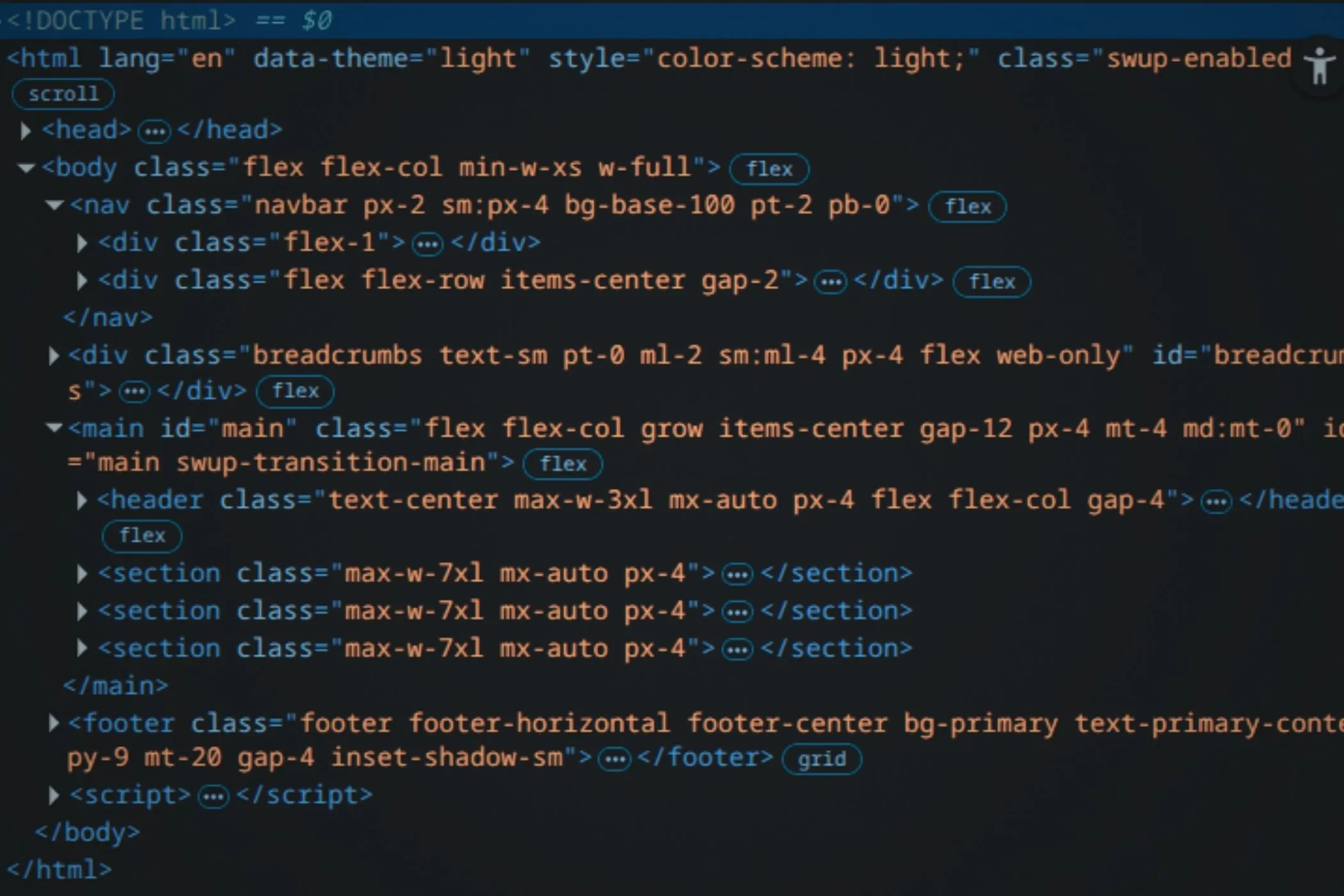
The DOM is how the browser understands and manages your page. It’s the structure that connects HTML, CSS, and JavaScript. This guide walks through how it’s built, how events move through it, and how you can work with it safely and efficiently.
8 min read
Pasting feels instant, but behind the scenes your browser negotiates formats, permissions, and privacy in milliseconds. Here’s what really happens when you paste text or images into a web page - and why it matters for modern creators.
5 min read
Learn what progressive JPEGs really do, why they make images feel faster, and how to create and audit them directly in your browser - no uploads required.
7 min read
Finding images doesn’t need to be painful. Here are 10 solid, free stock‑image sites you can use right now — plus what to watch out for, and how to make the images web‑ready with your browser tools.
30 min read
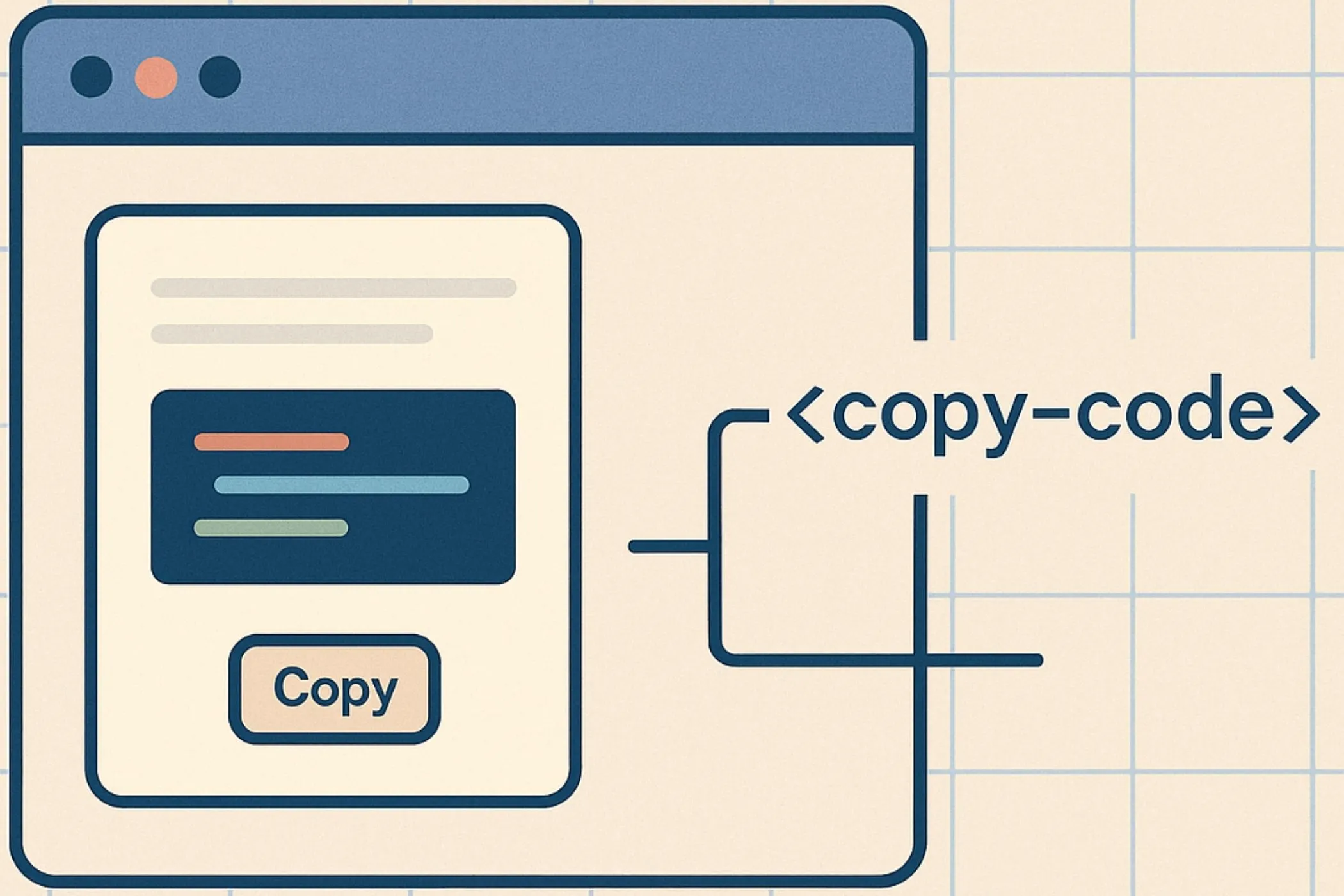
Web Components are the browser’s built-in component model: Custom Elements, Shadow DOM, and slots. They let you define your own HTML tags, encapsulate markup and styles, and build reusable widgets that feel native. This guide walks through how they work, why they exist, and how to build reliable components that drop cleanly into any page.